- April 6, 2026
- Website Builder
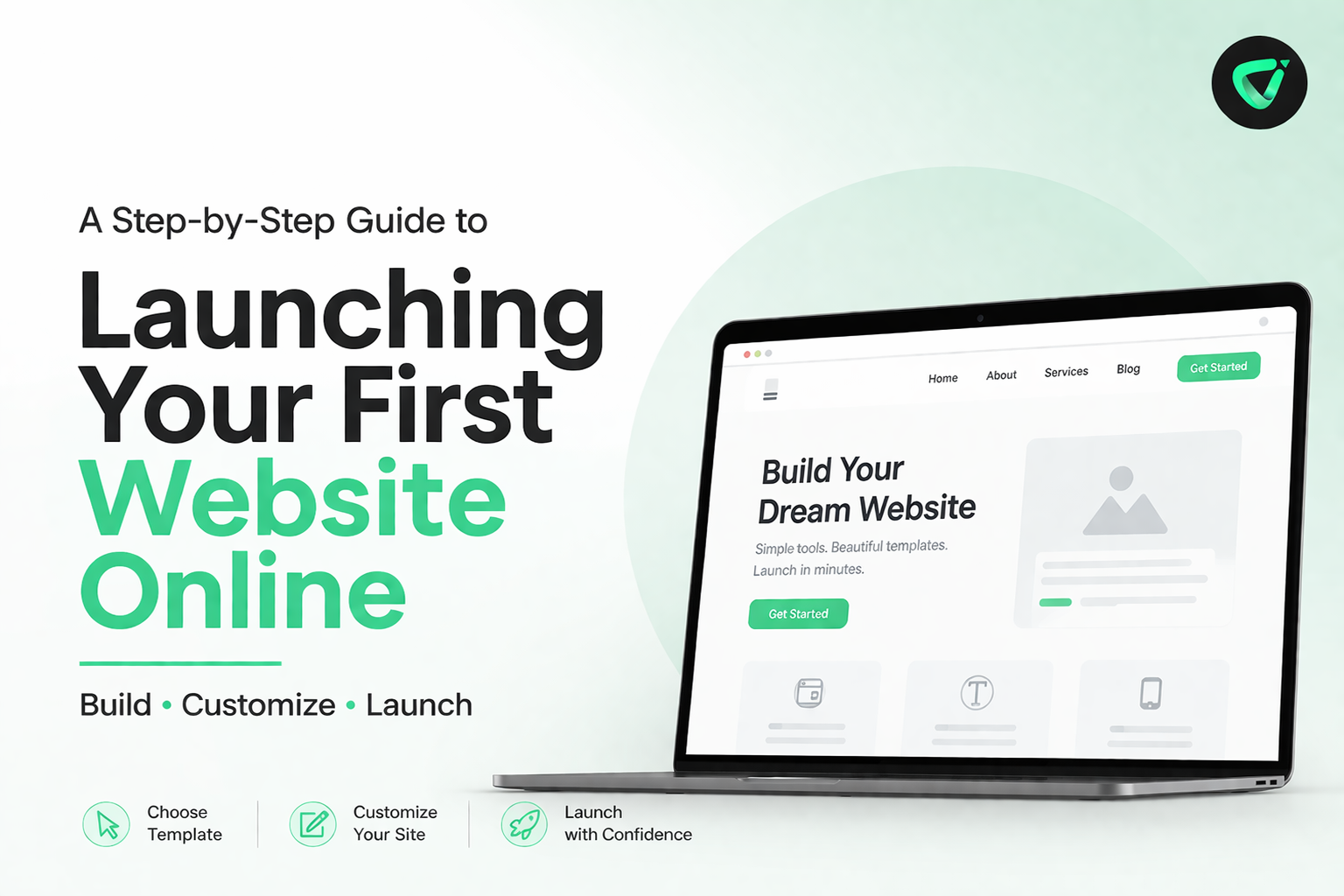
A Step-by-Step Guide to Launching Your First Website Online
The process of creating your first site is among the most empowering ones in creating a contemporary identity. No matter what you are starting a business, presenting your portfolio, opening a service or creating your own brand, your steps are taken online. Nowadays, it is the online world that finds you before any other place and a well-organized, functional site is your initial presentation to the world.
To most amateurs, the problem is never the thought--it is the doing. What is the template you should use? What do you do when designing the pages? In which place do you edit? How do you publish? This disorientation prevents millions of individuals to make the first step.
At Volnyn we intend to eliminate all that confusion. We have developed a site where anyone can build, customize and start a full fledged site with clarity, confidence and comfort, without any technical expertise. Everything flows in a steady series, effortlessly, and with a helping hand, starting with the design decision, and moving on to going live.
This is your entire experience of opening your first site online with Volnyn.
Introduction to Your Website.
Your website begins at volnyn.com which is the main point of the entire digital presence where you design, create and maintain your site. Volnyn was made to be clean, organized and easy to use right after the first click. There is no junk, no excessive interfaces, it is simply a black and white environment that you can start to building immediately.
As soon as you enter the platform, you are automatically directed to the heart of the process i.e. choosing the template which will dictate the identity and structure of your website.
Selecting a Template That Determines your Brand.
Our professionally designed templates are next to be explored at: Website Templates.
Here is where your thought begins to visualize.
We have a variety of templates that suit various industries and purposes: business websites, personal brands, creative portfolios, service lists, blogs, and more. Every template is designed using the latest concepts of a user interface, balanced designs, readable fonts, and an organization that is optimized to engage the user.
You are able to preview all templates and understand how your future site would appear. After you identify the design that fits your vision, just click Get Started. Your web site is officially underway with that single click.
At this stage, the key word to your project, which will be best website builder for beginners, will be significant in determining your path. You will associate it in the future, and until that time, it remains prominent as a content strategy.
How to Choose the Perfect Pack to Your Project.
Once you choose your template, you will be presented with a pack that suits your objectives. This keeps you out of the unneeded complexities and keeps you having the right features. Whether you are creating a simple site or a more complex site, your pack will dictate what tools you can use throughout your construction.
Volnyn takes care of all the background settings, configuration and structure. No hosting issues. No technical setup. No external installations. Only a straight forward, well-cut road to the development of your web site.
Getting into Your Dashboard - Where It All Adds Up.
Once you choose your pack, you are taken to your dashboard which is the command center of your site. This is where art collides with utility. Here you have the mastery of everything:
- Your pages
- Your layout
- Your graphics and words.
- Your design elements
- Your books and editions.
The dashboard is designed both to first-time creators and professionals. You can simply click on any page and edit your content visually and view your changes immediately. There is no coding required. It has no technical restrictions. All the details are made in such a way that you have maximum freedom but your design is clean and balanced.
Website Template How To Customize.
Learning How to Customize Website Template is one of the most crucial procedures during the creation of the webpage. Customization is potent and easy at Volnyn. You are able to edit parts, switch colors, swap pictures, add new blocks, delete what you do not require, and perfect your design- all within a visual editor.
Customizations are consistent in design. Although you can modify a variety of factors, your template is consistent, stable, and professional. This will provide you with full creative freedom without the loss of the structure that gives your site the appearance of being coherent.
Creating All the Pages You Need.
All the main pages are made and your site turns into a full-fledged digital house. With the dashboard, you can create:
- The Home page should be compelling.
- An effective and genuine About page.
- An organized Services or Products page.
- A visual Portfolio area.
- A blog to exchange knowledge.
- Contact page: This is to promote contact.
Each page will have the design of your template and will integrate with the rest of your site. Your site starts to tell your identity, your brand voice, and your purpose as you keep adding your content.
Preparing Your Web Site to go Live.
You can preview your whole site before it goes live - test layout flow, correct any text, test navigation and make sure everything looks good. It is also possible to test your site on a mobile, tablet, and desktop to make sure it is fully responsive.
This last review makes your site feel complete, coherent, and acceptable to the audience.
Publishing Your Website Live.
When it all looks okay, click Live.
Your site becomes a reality in one second. And your online presence is officially available on the web waiting to be discovered by the world.
Your dashboard is not shut down even after launch. You may keep on adding pages, updating, improving your graphics, optimizing your brand, or broadening your services. Your site is never fixed, rigid and not static like your objectives.
Conclusion
You do not have to make your first site complex, technical and daunting. In Volnyn, the whole process is meant to be empowering and intuitive. Whether it is style selection to a template, or personalization of your layout and making your site live, you are taken through the process.
All you need is your idea.
Everything else is taken care of by us.
Your site is all prepared to be developed.
Your brand is now available to be viewed.
And you may bring it online with Volnyn Website Builder,--beautifully, confidently, effortlessly.
FAQs
1. What are professional website templates?
Professional website templates are pre-designed layouts that include structured pages, typography, color schemes, and UI elements. They give you a strong starting point so you don’t have to design everything from scratch.
2. Why should I use a website template instead of building a site manually?
Templates save time, reduce design errors, and come with built-in usability and responsiveness. Instead of focusing on layout creation, you can put your energy into branding and content.
3. Can I fully customize a website template?
Yes. Modern templates let you adjust colors, fonts, images, layouts, animations, and section order. With proper customization, the final website will never look like a template.
4. What is the best way to make a template match my brand?
Start by changing the color system, updating typography, replacing stock content with your own, and adding branded visuals. These changes quickly transform a generic layout into a unique identity.
5. Do website templates affect website speed or SEO?
High-quality templates are designed with clean code and mobile-first structures, which are SEO and performance-friendly. However, adding heavy images, animations, or unnecessary plugins may slow the site down.
6. Can beginners customize templates without coding?
Absolutely. Most modern builders allow drag-and-drop editing, visual design adjustments, and no-code customization. Coding is only needed if you want advanced or fully custom features.
7. What sections are most important when customizing a template?
Focus on the header, hero section, service/about blocks, call-to-action areas, and footer. These sections shape user flow and determine how effectively your website communicates information.